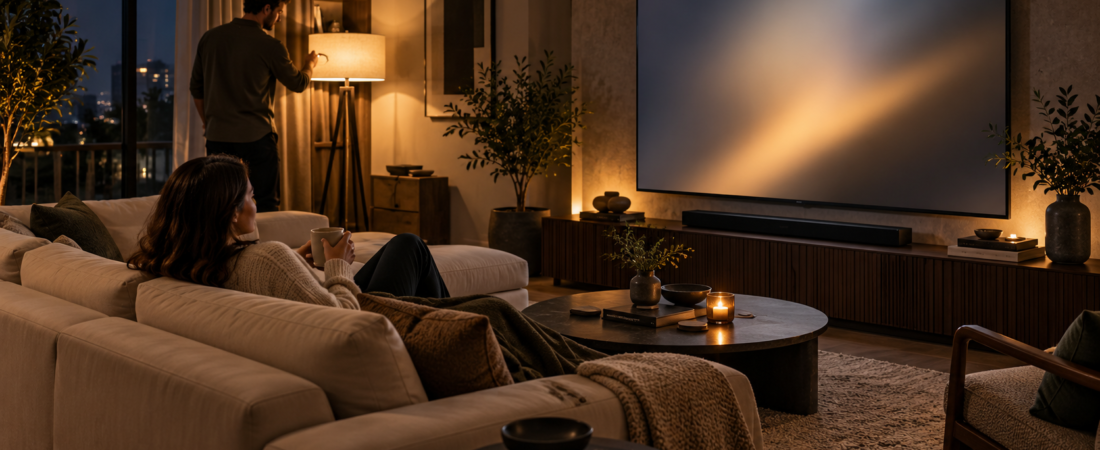
The promise of a home cinema is not a wall of equipment. It is the moment a story holds the room. Before considering another screen or speaker, look at the environment around the one you already own. Small decisions about light, seating, picture settings and sound can change how comfortably everyone watches.
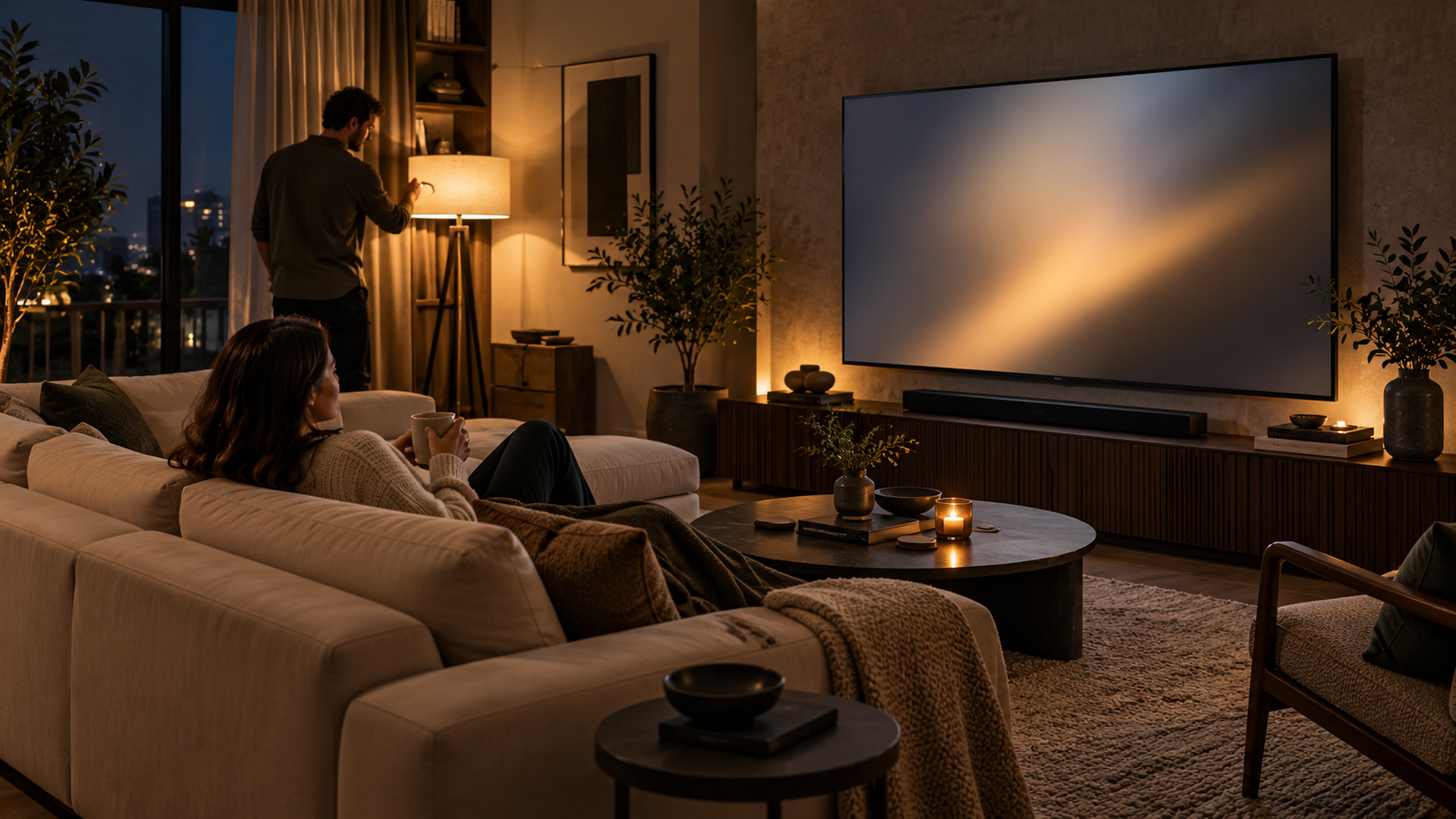
Let the screen be the brightest thing you notice
Strong daylight or a lamp reflected in the TV can pull attention away from a scene. Try drawing a curtain or moving a lamp so its reflection is outside the viewing area. You do not have to make the room completely dark; a comfortable, controlled level of ambient light may be better for a long evening. Dolby’s home theater setup guide recommends managing window light and considering dimmable lighting.
Before the film begins, sit where you usually watch and look for reflections in a dark image. Changing the angle of one lamp may help more than changing several TV settings.
Give every seat a view
A beautiful screen is less useful if half the room sees it at a steep angle. Start with the people, not a formula: who will watch, where do they sit, and can each person see the center of the picture without craning their neck? Dolby advises placing viewers as close to the screen’s centerline as practical. The best position for one person may not be the best arrangement for a family.
Try a short scene from the usual seats. If someone misses subtitles or small visual details, move the seating or adjust the display position before deciding the screen is too small.
Compare picture modes with a familiar scene
Many TVs offer several picture presets. The brightest showroom setting is not necessarily the one you prefer at night. Open the same familiar scene in two modes and compare faces, shadow detail and the ease of watching for several minutes. Sony’s picture-setting guidance describes a Cinema mode designed to balance brightness, color depth and edges; names and effects vary by TV model.
Change one setting at a time and keep a note of the original value. If the picture looks wrong after an experiment, you should be able to return to a known starting point. Also check that the source and display actually support the format you selected. A label such as 4K or HDR does not improve a lower-quality source by itself.
Listen for dialogue first
When you assess sound, ask whether dialogue is easy to understand at a comfortable volume. If voices disappear while effects feel too loud, try the TV’s available dialogue or sound modes and check the position of any speakers. Keep objects from blocking speakers. If you use separate left and right speakers, Dolby’s guide suggests arranging them with the listening position in a triangle. That is a starting point, not a reason to replace a setup you already enjoy.
For the next movie night, make one change to light, one to seating, and one to either picture or sound. Rewatch a familiar scene after each adjustment. You will learn which change matters in your room, with your screen and the people watching beside you.
Specific controls vary by television and sound system. This article makes no performance claim about a StreamX product.